
Cleaning your PC with expired isopropyl alcohol can be risky — here's why
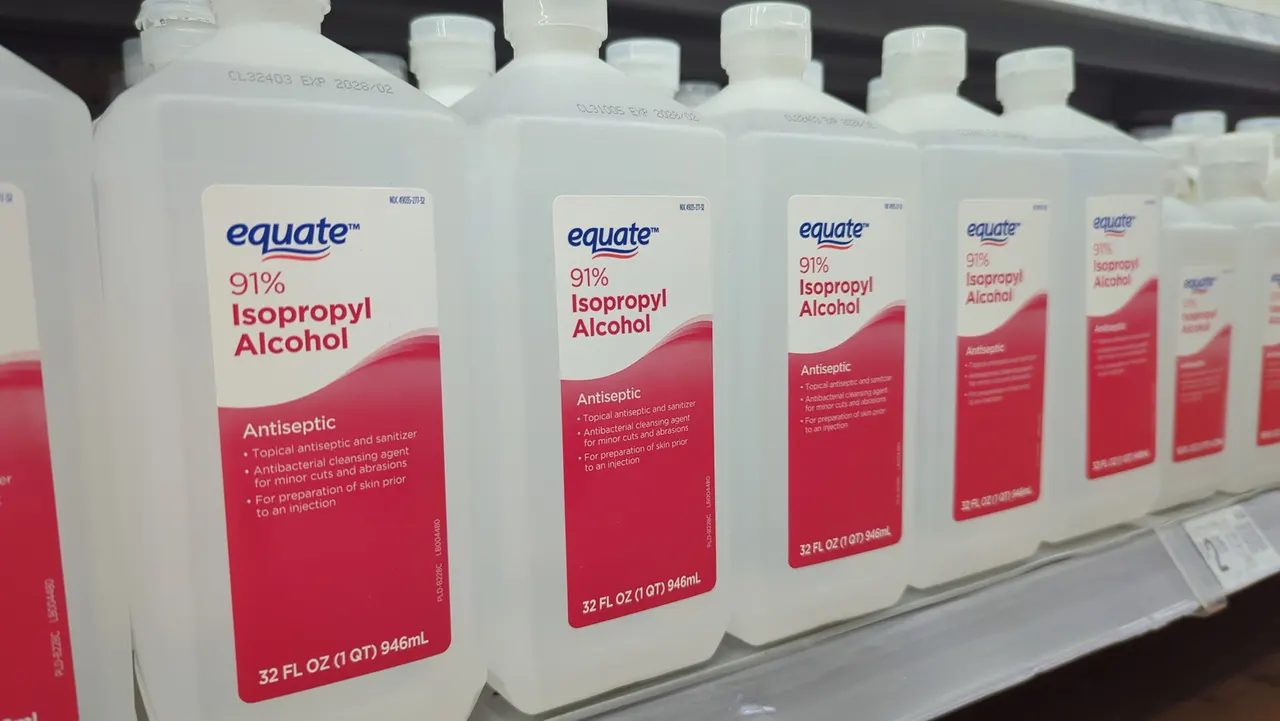
Think twice before grabbing that old bottle. Here's why expired isopropyl alcohol can harm your PC and how to clean it the safe way instead.
Cleaning your PC with expired isopropyl alcohol can be risky — here's why
That bottle in your cabinet may not be as safe for electronics as you think.
Both the interior and exterior of your PC can get quite dirty, especially if you keep it on the floor. For many people, isopropyl alcohol is a go-to electronics cleanser, as it's known as one of the only safe-but-strong substances you can use to clean your phone screen. However, if your bottle has been sitting for a long time, it might not be as safe as you think.
Isopropyl alcohol has a pretty impressive shelf life, with a peak quality for about three years following its manufacturing date, depending on the brand. That doesn't mean it goes bad as soon as the calendar hits that date, particularly if it's been stored away from excessive heat and sunlight, but you might not want to use a bottle a decade past its prime on sensitive computer parts.
Why expired isopropyl alcohol can harm your PC
The general range for isopropyl alcohol that's safe for cleaning electronics is between 90 and 99 percent. These concentrations contain much less water and evaporate faster, leaving less chance for any lingering moisture to harm sensitive components. It doesn't take a technology buff to know that water plus electronics is generally a bad idea.
Isopropyl alcohol is also hygroscopic, which means it has the ability to attract water molecules from the surrounding environment. It can do this through tiny gaps, even with the cap closed, and slowly become diluted over time. Generally speaking, isopropyl alcohol will absorb moisture until it reaches an equilibrium of about 65 percent alcohol and 35 percent water. The longer your bottle has been sitting, the more likely it has a higher water content than when you purchased it — and the riskier it is to use in your PC.
Safely using isopropyl alcohol to clean your PC
Besides making sure your isopropyl alcohol is relatively new, there are other ways to be sure you're safely using it with your electronics. Though it's great for things like sticky thermal paste, it's not safe for every part of your PC.
Isopropyl alcohol can cloud acrylic and polycarbonate parts, and it can smear or dull painted, printed or glossy finishes. If your screen has a special coating, check that the manufacturer approves isopropyl alcohol before you use it. Over time, it can also dry out rubber seals and gaskets.
With these more sensitive areas, it's best to take a different approach. Compressed air and a microfiber cloth can take care of most cleaning scenarios that isopropyl alcohol isn't suited for. You can also safely rinse parts like dust filters with water as long as you let them dry thoroughly. For a more detailed walkthrough, check out our guide to cleaning your PC.