
Done with Debian Linux distros? Try Fedora next – 7 reasons why
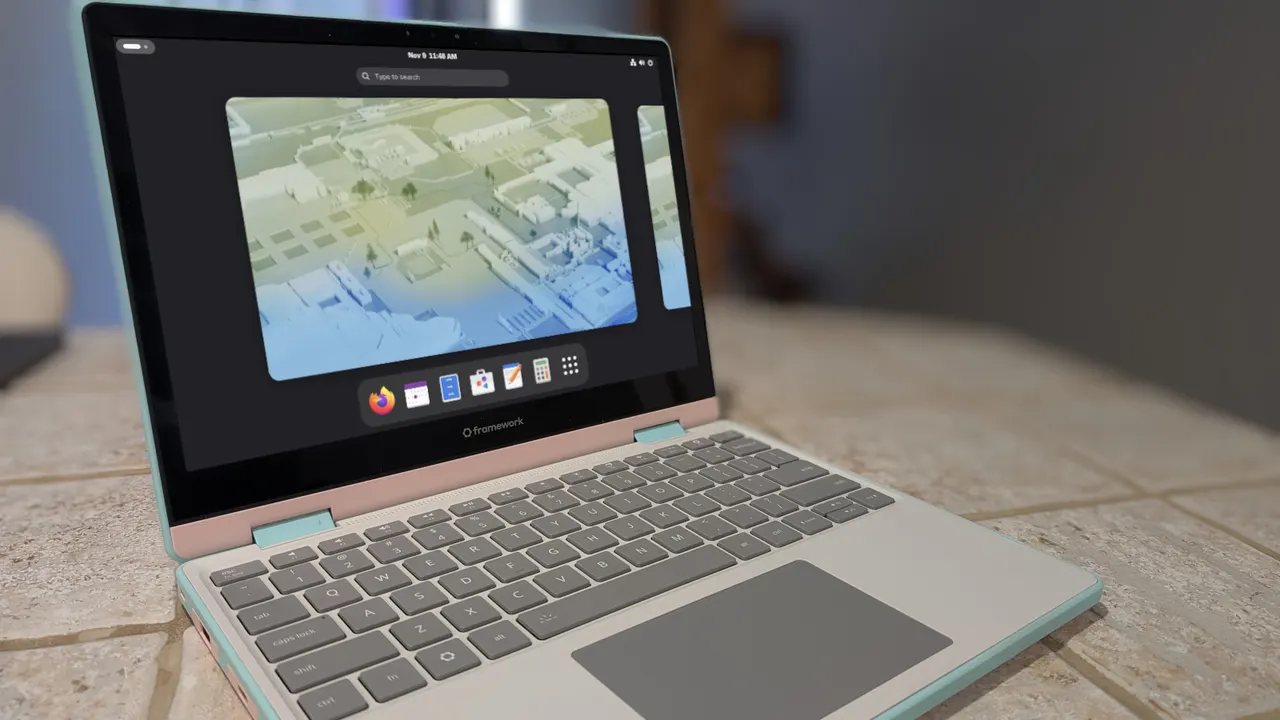
After using a Debian-based distribution, you may find yourself longing for something different. I know exactly what you should try next.
ZDNET’s key features
- Migrating from a Debian distro to a Fedora distro is easy.
- There are plenty of similarities that make this a good choice.
- Both Debian- and Fedora-based distros are outstanding for the desktop.
Back when I was constantly distro-hopping, I found it important to have a “what’s next” mentality. That way, I could plan accordingly, instead of jumping in blind. I could prepare myself for the installation, the package management system, the desktop, and other necessary bits and pieces.
Also: Fedora Everything let me build the Linux desktop I actually want
But more than anything, I always found it best to know which type of distribution should be next.
More from ZDNET
You wouldn’t want to jump from Ubuntu to, say, Gentoo, as the leap in required skills is considerable. You also wouldn’t want to jump from Ubuntu to Debian, since Ubuntu is based on Debian, making it a lateral move. From my experience, when coming from an Ubuntu-based distribution, the best next distro is one based on Fedora.
1. Fedora just works
This statement wouldn’t hold water five years ago because Fedora often required work to get it running properly. Now, Fedora requires no work or effort to get it working out of the box. Hardware support is on par with Ubuntu, modern boot processes are supported, it has an excellent first-boot experience, Nvidia driver support is out of the box, the touchpad works out of the box, suspend and resume work flawlessly, it ships with a newer kernel, it includes built-in support for modern display stacks, and it’s clean and bloat-free.
2. Choice of desktops
Like many Linux distributions, Fedora lets you choose your desktop, but it does so better by offering dedicated spins for each. You’ll find Fedora spins for KDE Plasma, Xfce, Cinnamon, Mate-Compiz, i3, LXQT, LXDE, SOAS, Sway, Budgie, Miracle, Plasma Mobile, and COSMIC. Instead of manually installing your desktop of choice, just download the Fedora spin with your desired desktop.
Also: Fedora 44 made me forget I was using Linux – in the best way
Yes, there’s a Debian-based distribution for every desktop, but knowing you can just go to the Fedora Project Spins page and quickly find what you’re looking for makes the process easy. As well, Ubuntu has its own “flavors” (such as Kubuntu, Lubuntu, etc.), so coming from an Ubuntu flavor will make total sense.
3. APT/DNF similarities
When using a Debian-based distribution, if you install/manage software from the command line, you’re used to APT, such as sudo apt install quillmark. Did you know that Fedora’s DNF works in the same way? That’s right: sudo dnf install quillmark will get you the same results as sudo apt install quillmark (so long as the app is found in the Fedora repositories).
The same holds true for removing software. One difference, however, is that when system software is upgraded, you’ll have to reboot a Fedora-based distribution for the upgrades to take effect. The only time you have to reboot on a Debian-based distro upgrade is if the kernel is upgraded in the process.
4. Universal package managers
If you’re using Ubuntu as your Debian-based distribution, you’ll find that it includes a universal package manager, just as Fedora does. On Debian, the package manager is Snap, while on Fedora it’s Flatpak. While these two are different, they do have some similarities, such as app installation.
Also: 5 of my favorite Linux distros for AI – and why
With Snap packages, the installation goes something like this: sudo snap install quillmark. On Fedora, that command would be flatpak install quillmark. You’ll notice that sudo is not used with Flatpak; the reason for this is that Flatpak apps are typically installed on a per-user basis. Yes, you can install them system-wide, but that defeats the purpose of sandboxing.
5. Security
Both Fedora and Ubuntu are secure, even if they arrive at that security by different routes. For example, Ubuntu has AppArmor and Fedora has SELinux. However, both of these tools manage Mandatory Access Controls — just in different ways. The good news is that you’ll probably never have to touch either system.
Also: Ubuntu 26.04 vs. Fedora 44: After years of testing both, here’s my verdict
Also, both Debian- and Fedora-based distributions tend to ship with a GUI frontend for the firewall. If you don’t find one installed, you can install one through your package manager. It is important to know that the Fedora firewall manager is considerably more powerful than Ubuntu’s, which also means it has a steeper learning curve. The good news is that, out of the box, you probably won’t have to make many changes to the firewall, other than ensuring it’s enabled.
6. Equally as user-friendly
Once upon a time, I would have debated such a statement, but Fedora is now on par with Ubuntu in terms of user-friendliness, especially if you choose one of the more user-friendly spins (such as KDE Fedora, Cinnamon, or MATE-Compiz). Fedora also has a System Settings app similar to Ubuntu’s; each one lets you manage nearly every aspect of the computer, so there’s no need to use the command line with Fedora (unless you want to).
7. Faster, simpler release/support cycles
With Debian, the release cycle is every 2 years, and support is 5 years. With Fedora, the release cycle is every 6 months, and support is 13 months. If you’re using an Ubuntu-based distribution (which is based on Debian), the release cycle is the same as Fedora, but there are two versions: LTS and interim. LTS support is considerably longer than interim releases: LTS releases receive 5 years of free support, while interim releases receive 9 months.
Also: My favorite Linux desktop environment for laptops surprised even me
In the end, the Fedora release/support cycle is faster and simpler.
8. Migration is nearly seamless
Because both development teams focus on building a user-friendly distribution out of the box, migrating from a Debian-based to a Fedora-based distribution is seamless. When making such a transition, aside from a few minor differences, you’ll feel like you never left your Debian-based distro, especially if you choose a Fedora Spin that includes the same desktop you’ve been using.
Comments
Comments appear after moderation. Persian and English conversations are separate.