
How much would it cost to build a PC similar to the Xbox Series S?
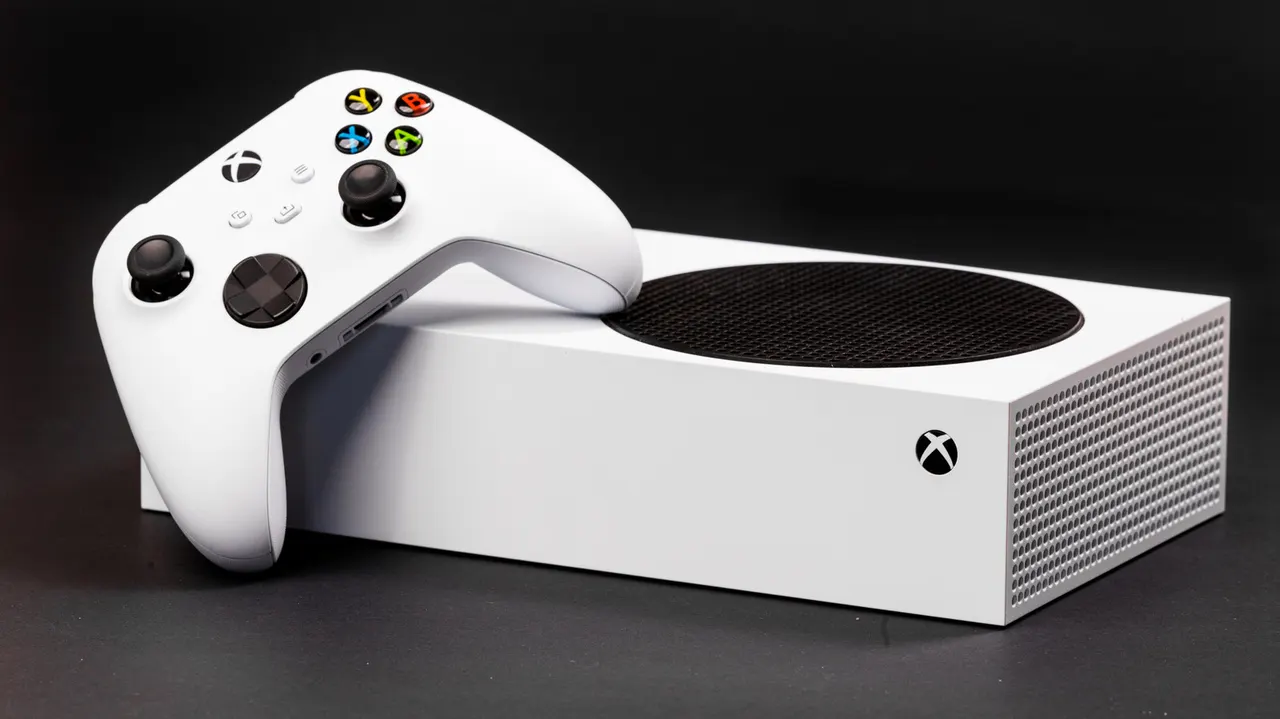
The Xbox Series S offers a solid entry-level experience for those interested in console gaming. Here's what an equivalent gaming PC would cost you.
How much would it cost to build a PC similar to the Xbox Series S?
It's not too hard to build a PC that plays the same role as the Xbox Series S, but it won't necessarily come cheap.
We may receive a commission on purchases made from links.
Microsoft markets the Xbox Series S as a value pick for console gamers, running games at 1440p and up to 120 FPS. Its hardware may be a bit dated, and even the 512GB base model runs $500 after recent price hikes, but PCs aren't cheap either now, as AI's demand for computer hardware continues to drive consumer hardware prices ever higher. Even old GPUs are now valuable.
But an Xbox is limited to gaming and media consumption, so it still makes sense to try and build a Series S equivalent in 2026. However, the Series S' older, custom hardware means there's no apples-to-apples comparison for current-generation custom PC builds. You could use older parts, but you'd be better off buying the Xbox in that case. Older parts make sense in a console that developers are actively optimizing their games for, but a PC won't be as accommodating. The good news, though, is that it's not hard to build a computer that crushes the budget Xbox on paper and offers a similarly enjoyable entry-level PC gaming experience. The predictable trade-off is that it will also crush your wallet.
My criteria for this theoretical build were simple. It had to outperform the Xbox Series S running at 1080p native (or 1440p with reduced settings and upscaling) and could only use parts you can still buy from major retailers. Refurbished parts were ruled out, since those deals might be gone by the time you read this. That said, PC part pricing has never been as volatile as it is right now, so consider this a snapshot of the current market rather than a guide that'll serve you well years from now.
CPU, motherboard, and RAM
The Xbox Series S has an AMD Zen 2-based CPU with 8 physical cores clocked at 3.6GHz, which ramps down to 3.4GHz in multi-threaded tasks. Its RDNA2 GPU has 12 compute units and runs at 1,565MHz. Memory is unified across the system, so the entire machine shares 10GB of GDDR6 RAM on a 128-bit-wide bus with 2.4GB/s of raw throughput. In plain English, it's an entry-level configuration. However, like other consoles, the Series S is tuned for gaming performance at all costs and punches above its weight class in real-world use.
To keep things as even as possible, we'll go with an AMD CPU and GPU for our PC. The first decision is between AM4 and AM5. The newer socket is more future-proof, but we'll go with AM4 to save money on the motherboard and RAM while still getting a better CPU than the Zen 2 component found in the Series S. The budget pick is a Ryzen 5 5600, available for around $160 on Amazon at the time of writing. The flex pick is the Ryzen 5 5600X3D, which has better gaming performance thanks to its larger L3 cache. It often goes on sale for around $175 and is a good deal at that price.
AM4 lets us run DDR4 RAM instead of DDR5, which is a huge relief for our budget. Building on the B550M chipset will set us back $80-$90, though sales do occur regularly. To ensure we get VRM heatsinks and no PCIe-related bottlenecks, we'll go with the ASRock B550M Phantom Gaming 4. It may need a BIOS update to support the Ryzen 5 5600, but should work well afterward.
While it's easy to assume we'll only need a single 8GB stick of RAM, alongside our chosen GPU's VRAM, to beat out the Xbox Series S' 10GB of unified system memory, Ryzen performs better with dual-channel memory. We'll use two 4GB sticks instead. Lenovo's 2x4GB DDR4 kit runs at a respectable 3,200MT/s and costs just $40. It's admittedly not a high-performance kit, but it should still help our build outperform the Series S without breaking the bank.
GPU and other components
Picking a GPU is a bit more difficult. The closest equivalent is the NVIDIA GeForce GTX 1060 from 2019, but that would be a terrible choice since it's too old to support newer titles. Another good choice might be the GeForce RTX 3050, which is around $250, but its 6GB of VRAM likely isn't enough for modern gaming. To reduce the risk of VRAM-related issues, we'll instead go with the ASRock Challenger Radeon RX 7600 8GB, which offers significantly better performance than the Xbox Series S on paper and can be had for $330.
Two other valid options are the single-fan RTX 5050, which currently retails for around $300, or the Intel Arc B570, which costs about $290 and has a respectable 10GB of VRAM. We'll go with the AMD to better match the Xbox's all-AMD design and avoid any driver or support-related headaches that may arise with the Intel part.
We still need to choose a CPU cooler, storage drive, power supply and case. Our cooler is an easy pick, with the Thermalright Peerless Assassin 120 SE available for around $35. For storage, a 512GB SSD on par with or better than the Series S costs about $100. Our power supply is a 600W Thermaltake Toughpower GX2 with plenty of headroom for our 350W TDP and 80+ Gold certification. We should be able to cram the build into a Zalman Cubix-G micro-ATX tower for between $35 and $45, though we may need a cheap adapter to make the front USB-C cable work.
All in, this build will cost roughly $740 before taxes, using the lowest prices available at the time of writing. That's significantly more than the Xbox Series S' current price and over double what the console cost at launch. That said, this build should outperform it and will do more than just play games. Component pricing will vary, of course, and individual builders can also make different trade-offs to hit a lower price point or aim for better performance.