
Here's what to look for so you don't get scammed by a fake GPU
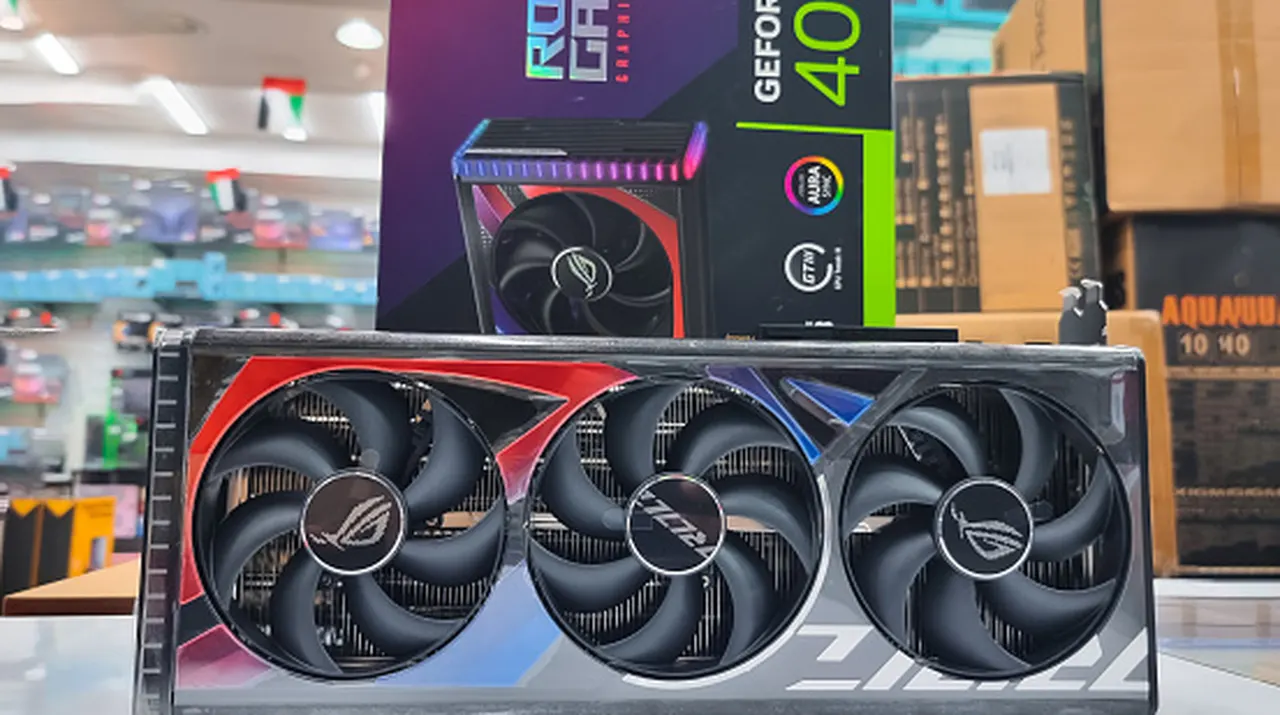
From tracking number heists to missing memory dies, don't waste your precious time and money on a bogus GPU bargain.
Here's what to look for so you don't get scammed by a fake GPU
When it comes to the arms-race of GPU scams, an ounce of prevention is worth a pound of cure.
RAM prices are completely out of control. The AI rush has made even old GPUs worth more than ever before, so it's no surprise that affordable GPUs have become a hot commodity and fertile ground for scams. As more and more false listings hit both the online world and the physical streets, a keen eye may be all that stands between you and a con.
The overwhelming demand for GPUs in the AI sector, both from major companies and individual hobbyists, has led to crazy price spikes. This has, in turn, fueled a deluge of scams. Buyers have reported receiving bags of pasta and rice instead of a GPU or even getting just a picture of the GPU they ordered instead of a physical product. Physical repair shops have also been victimized, with some traded-in GPUs being nothing more than empty shells with their memory dies removed (and sold to other consumers).
How to spot a GPU scam.
The first thing you need to avoid scams like this is a sense of caution. While it's not impossible to find an affordable GPU in 2026, any deals on Facebook Marketplace or eBay that are too good to be true, probably are. Not only should you avoid taking a chance on what feels like an unreal price, but you should also avoid placing your trust in stock photos when buying from these sites. Even with an in-hand photo, try searching for the picture on Google Images to check if it's pulled from elsewhere. In addition, ask the seller to provide additional photos from niche angles, and don't let the seller avoid questions or rush you into buying the product. These are telltale red flags.
Buying in-person (whether through an arranged meeting or a physical vendor) is perhaps the best way to avoid getting conned, as this will allow you to test the GPU. Arrange with the seller beforehand to meet somewhere you can set up a test rig, such as a library or a local tech shop. After inspecting the GPU for damage, stress test the GPU using an application like HWiNFO. Simply open the program in full mode, click on Sensors, and click on Stress Test (which looks like a red flame in a blue square). During the test, you'll be able to use the info in the window to view peak temperatures, clock speeds and check other readings. If everything's in order after about 15 minutes, you should be good to go.
Best practices for buying GPUs online
You may have noticed that many of these pitfalls relate to online purchases, such as scan listings and the inability to test the actual product in advance. Though in-person dealings aren't always perfect, and you should always be careful when meeting a stranger for any arranged purchase, they at least give you an opportunity to get a hands-on look at what you're buying. The best you can do in a purely online transaction is ask thorough questions of the seller, request videos of stress tests from the seller and check the seller's reviews and buyer feedback.
If you are buying a GPU in 2026 from a stranger online, you should at least be doing so through a site with buyer protection, such as eBay. However, you shouldn't throw caution to the wind just because of this safety layer. Scammers have developed ways to make getting your money back a major hassle. In the case of GPUs, some con artists have devised ways to snag tracking IDs going to your area and to give those IDs to the platform they used to sell to you, making it harder for you to prove that you didn't receive what you ordered. You should be able to eventually get a refund if you're able to convince your courier service to provide proof of a scam, but it's still better to avoid the situation in the first place.
Comments
Comments appear after moderation. Persian and English conversations are separate.