
Android Auto requires Android 11 or higher now – check your compatibility
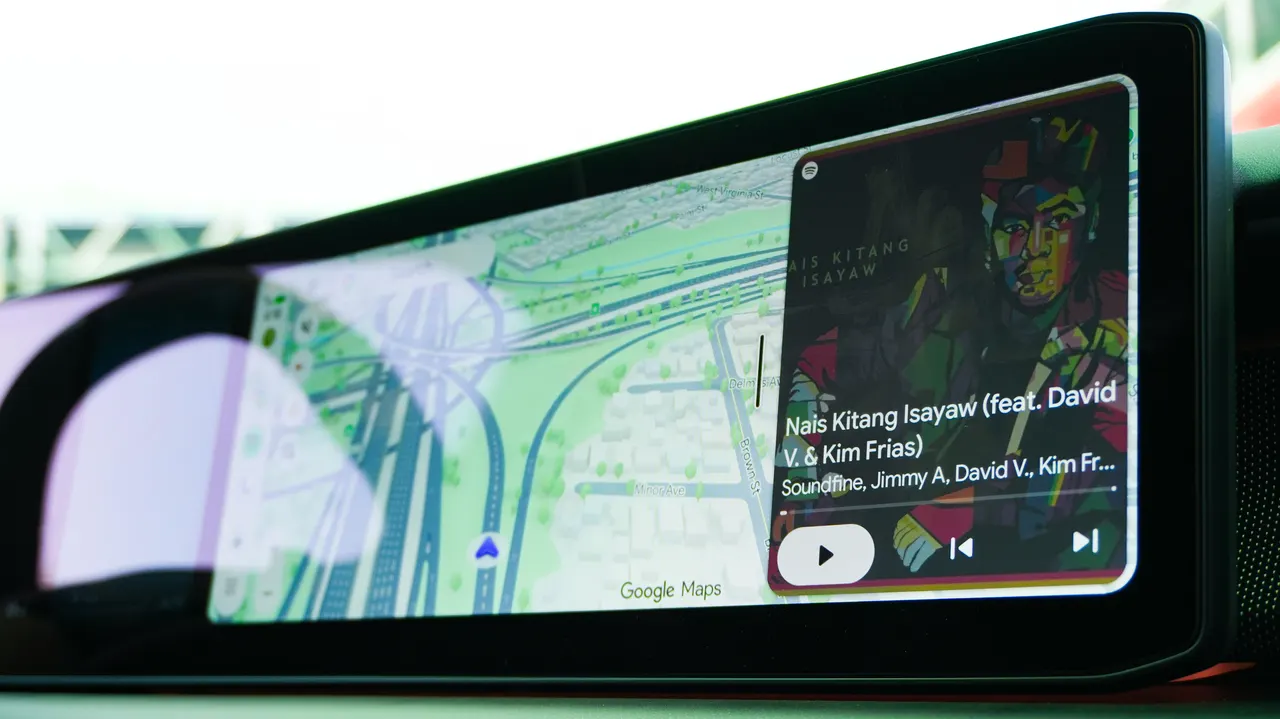
Android Auto’s minimum requirements have changed. Here’s what to know.
Key takeaways:
- Android 9 and Android 10 are no longer supported on Android Auto.
- It now requires a device with Android 11 or higher, an active data plan, and a compatible vehicle.
- Check your car’s compatibility through Google.
Google has officially phased out support for Android 9 and Android 10 for wired Android Auto use — so you’ll need Android 11 at a minimum to connect an Android phone to a compatible car via USB, according to an update to Google’s Android Auto support page spotted by Android Authority. Android 11 through Android 17, the most up-to-date version, are fully supported for Android Auto (though Android 17’s adoption rate remains quite low).
These changes confirm early reports that Android 10 users saw warnings that their devices would soon lose Android Auto support, even before Google’s documentation had specified the change.
Also: Got an old car? Android Auto is easy to add: 2 ways, starting at $20
More from ZDNET
It’s not uncommon for Google to drop the oldest Android versions that can still run Android Auto every few years. In 2024, Android 8, released in 2017, was dumped from service. Android 11 was first released in 2020.
Android Auto brings apps to your car display so that drivers can focus better on the road. It allows you to control features such as navigation, maps, calls, text messages, and music, and is the Android equivalent of Apple CarPlay.
How to find out if your car is compatible with Android Auto
The requirements have changed little since last year, aside from the new minimum software requirement. The new instructions for wired Android Auto support are straightforward: Phones must be running Android 11 (Red Velvet Cake) or newer, have an active data plan, and be supported by a compatible car. Google also recommends a quality USB cable.
Android Auto is integrated into compatible phones, so you do not need to download it. Android Auto isn’t available on devices that run Android (Go edition).
Also: I was a big wireless Android Auto fan, until I tried wired – now I won’t go back
To find out if your car or stereo is compatible with Android Auto, Google has a hub page to help. For more information about your car’s compatibility with Android Auto on your car display, it’s best to contact your vehicle manufacturer.
For drivers still using older phones running Android 9 or Android 10, getting Android Auto back will require either replacing a current device with one that runs Android 11 or newer, or installing an available software update on a current device.
Also: Gemini on Android Auto can access my photos, emails, and calendar – why I’m OK with that (mostly)