
Amazon made the AUX input on older Alexa devices less useful
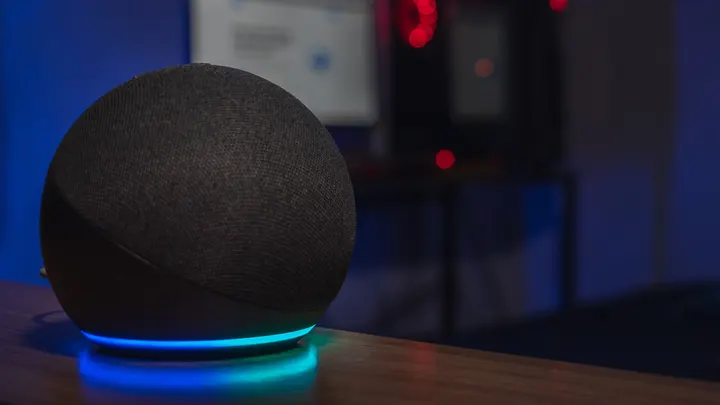
Amazon has made a quiet change to older Echo speakers that will leave owners rethinking how they use their devices and manage their home audio setups.
Amazon made the AUX input on older Alexa devices less useful
The AUX jack survives on older Echo speakers. The voice commands that made it convenient don't.
Amazon has disabled Alexa voice controls for the AUX input on several older Echo speakers. An Amazon email shared by a customer and reported by Ars Technica says that commands such as "Alexa, play from line in" and "Alexa, set AUX input" have stopped working. The change may seem minor, but it is frustrating for anyone who used those commands to switch to a wired audio source.
The affected devices are the second-generation Echo Plus (2018), third-generation Echo (2019), original Echo Studio (2019) and fourth-generation Echo (2020). Amazon confirmed the removal, and a spokesperson told The Verge that it had notified "the very small number of customers" who use voice requests for AUX playback. The company did not say why it removed the feature, though.
Fortunately, the physical AUX connection continues to work in more ways than one. Owners can still play audio through a cable and use the Alexa app to enable or disable AUX input on supported models.
What is the AUX port on older Echo speakers for?
That small 3.5mm AUX jack on supported Echo speakers can serve two purposes, depending on the model. When used as an input, it allows the speaker to play audio from an external source, such as a phone or computer. As an output, it routes Alexa's audio to another speaker or amplifier. It's the same physical connection, simply operating in the opposite direction.
The third-generation Echo, fourth-generation Echo and second-generation Echo Plus support both input and output, while the original Echo Studio supports input only. Older Echo Dots, including the third- and fourth-generation models, have jacks that support output only. By contrast, the fifth-generation Dot removed a 3.5mm connection altogether.
There is still a solid reason to hold on to that older hardware. For example, an early-2000s Sony CD changer can send audio to an original Echo Studio through an RCA-to-3.5mm cable. You can continue playing those CDs through the Echo without purchasing a Bluetooth transmitter or replacing the player. The connection is unchanged, even if Alexa is now less cooperative about using it.
You can still use AUX, just with fewer conveniences
If you have a compatible Echo that's connected to hardware using a 3.5mm audio cable, open the Alexa app, select the speaker under Devices, and find AUX Audio in its settings, then choose Line In to play audio from an external source through the Echo. On models that support both directions, Line Out instead sends the Echo's audio to a wired speaker or receiver. Depending on the app version, the setting may be listed under General.
After connecting the devices, use the source device's own controls to start playback or skip tracks. Alexa's discontinued voice commands managed the Echo's AUX input, not the connected equipment's playback functions.
Ultimately, you don't need to replace your Echo simply to keep using its AUX port, if one is present. Just keep in mind that upgrading Echo devices with a 3.5mm input will likely mean losing the feature. An example of this loss would be upgrading from a first-generation Echo Studio to the redesigned 2025 Echo Studio.