
Always-on Apple Watch display showing the wrong time? Here’s the fix
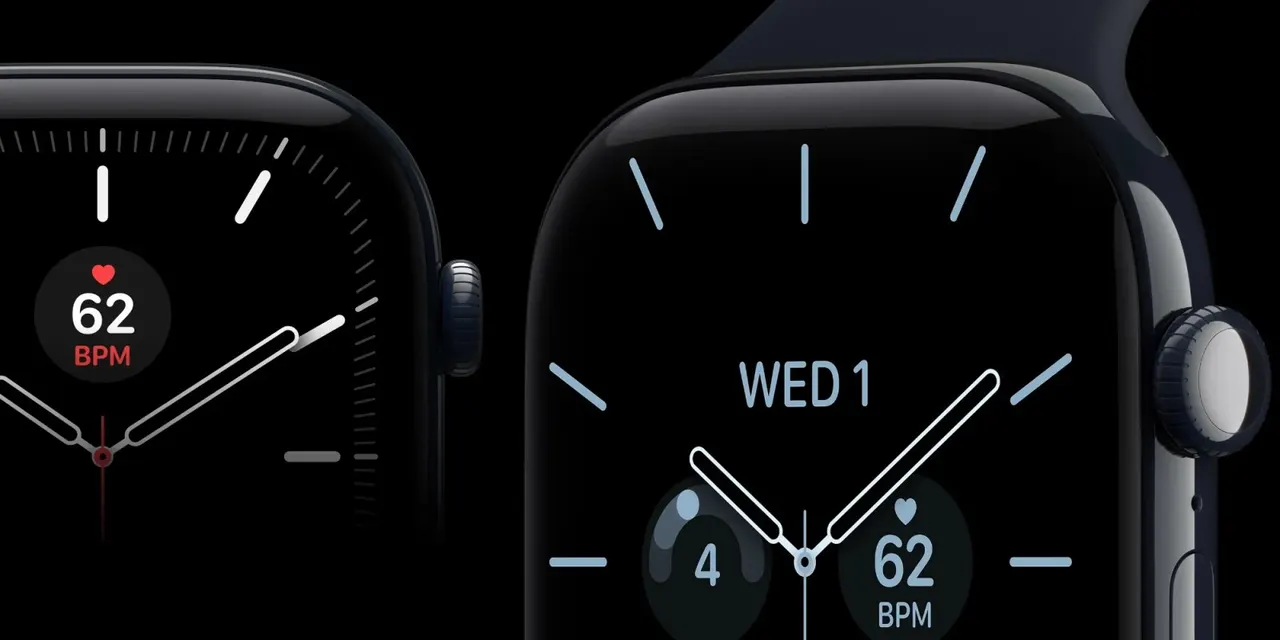
A succession of bugs over the years have seen daylight saving time changes cause problems for Apple Watches , and the problem has occurred again this year. Some users are finding that while the primary time has automatically updated for daylight saving, the always-on display has not … more…
A succession of bugs over the years have seen daylight saving time changes cause problems for Apple Watches, and the problem has occurred again this year.
Some users are finding that while the primary time has automatically updated for daylight saving, the always-on display has not …
Issues around daylight saving time switches date back to the Apple Watch Series 4 in 2018. Apple applied a fix, but a similar problem emerged in 2021 and it has occurred again for some Apple Watch owners over the past week.
Time changes in the fall see clocks move back by an hour. European countries typically make this switch a week or two earlier than in the US, with a one-week offset this year, so the problem first showed up there. A number of users on Reddit and X reported the issue, with some sharing video to illustrate.
Looks like they forgot to test daylight saving. When the watch is in rest mode it shows the old time and when it becomes active it shows the correct time.
Fortunately, the problem is easily fixed. Apple says there are three ways of resolving it:
- Switch to any other watch face, then switch back to your preferred watch face.
- Restart your Apple Watch.
- Do nothing and the issue will automatically resolve at midnight tonight
Have you seen this issue? Please share in the comments.
Photo by Walter Randlehoff on Unsplash